

Wholesale from2 pcs
Wholesale price3 200,60 ₴
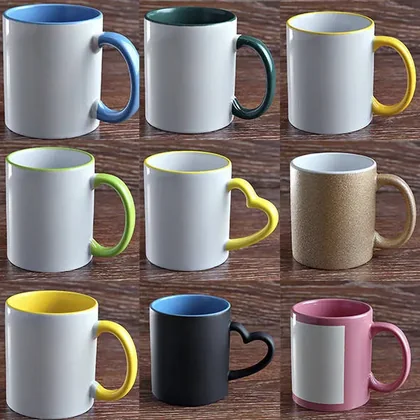 Tableware for sublimation
 Materials for sublimation
 Textile products for sublimation
 Metal for sublimation
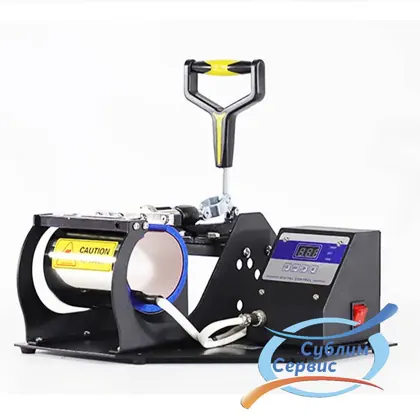 Equipment and components for sublimation printing
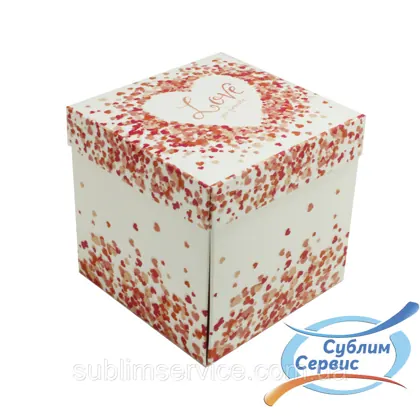 Gift packaging for mugs
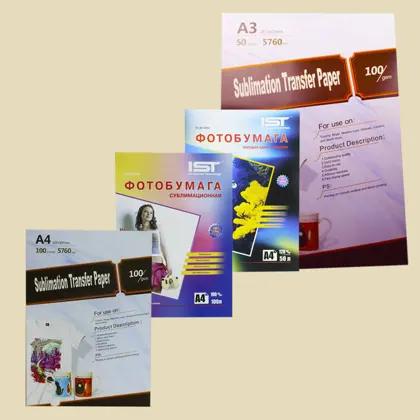 Consumables for sublimation and DTF printing
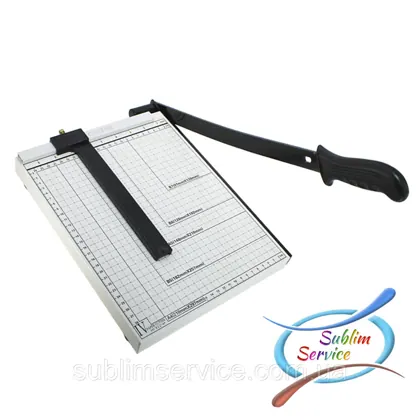 Paper cutters
 Printing services
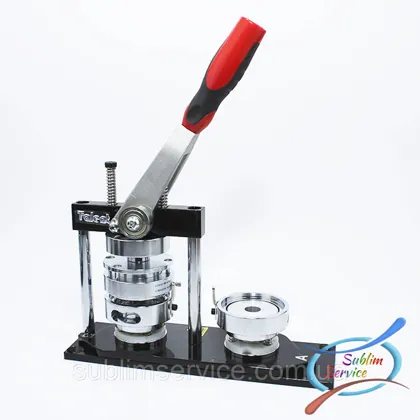 Machines for making badges and keychains. badge and keychain blanks
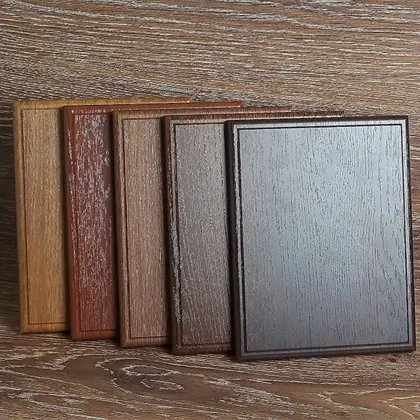 MDF BACKING BOARDS for diplomasFull catalog Sublimation puzzles24 products
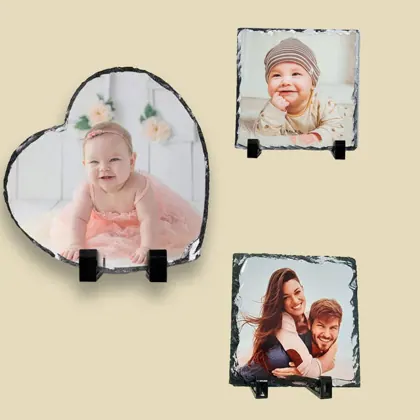 Photo slates (stones) for sublimation printing7 products
 Clocks for sublimation6 products
 Glass frames with mirrored edging4 products
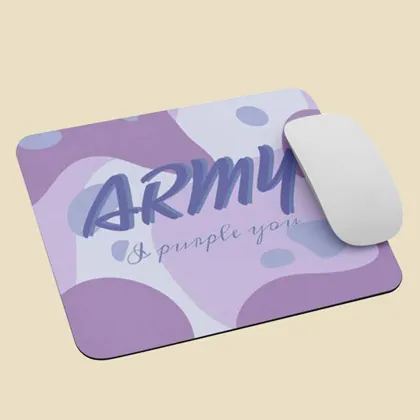 Sublimation mouse pads4 products
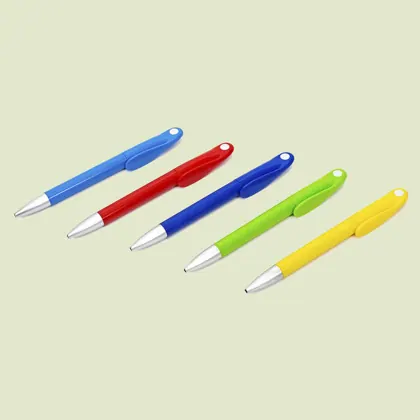 Ballpoint pens for sublimation5 products
 Magnets for sublimation24 products
 Aluminum business cards41 products
 Medals for sublimation3 products
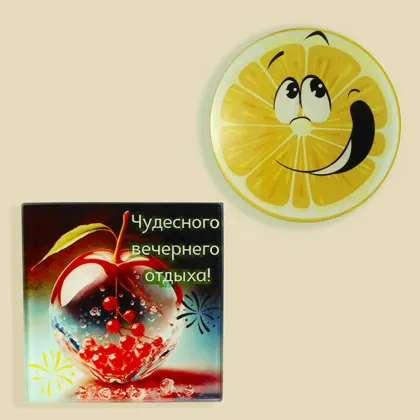 Mug coasters5 products
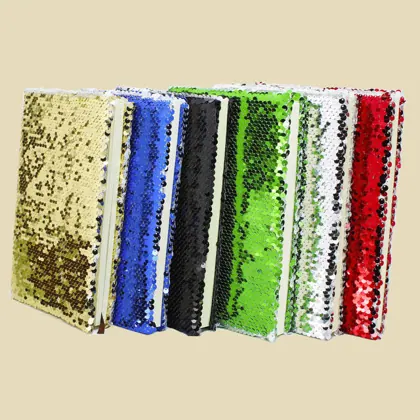 Notebooks for sublimation7 products
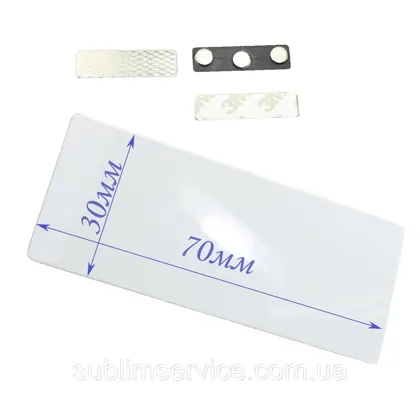 Badges1 products
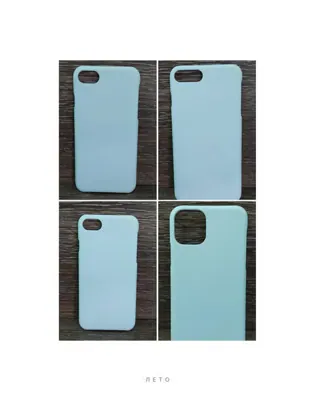 Phone cases for sublimation8 products
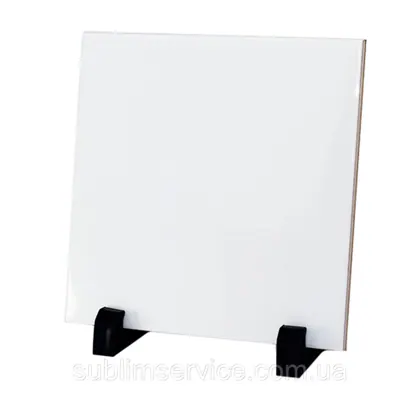 Ceramic tile for sublimation printing4 products
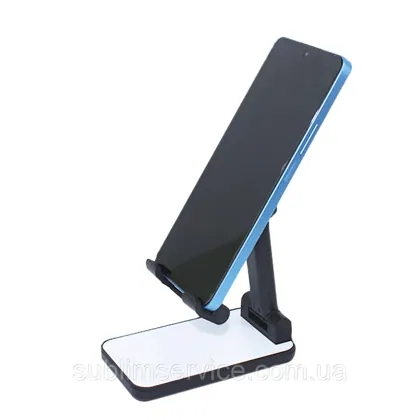 Phone holder1 productsT-shirts for sublimation and heat transfer printing60 products
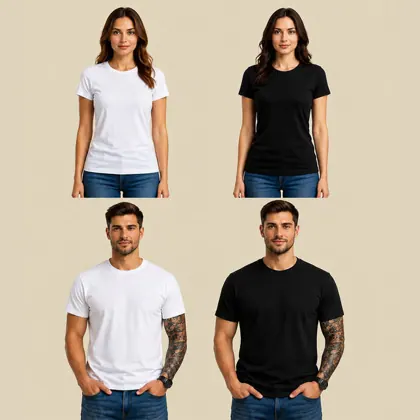 Basic cotton T-shirt (men's, women's, children's)166 products
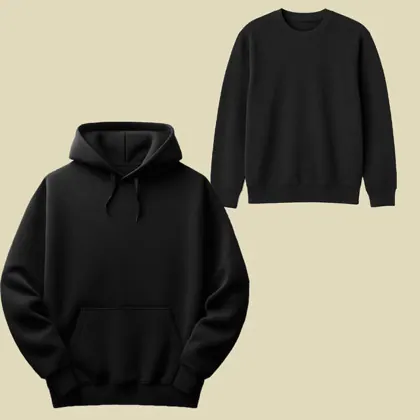 Hoodies and sweatshirts20 products
 Pillows for sublimation: plush, gabardine, satin, sequins50 products
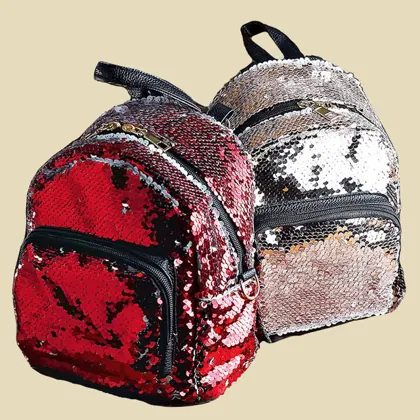 Sublimation backpacks with sequins4 products
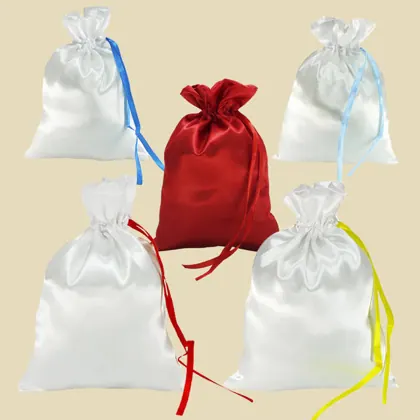 Bags (pouches) for sublimation16 products
 Apron for sublimation4 products
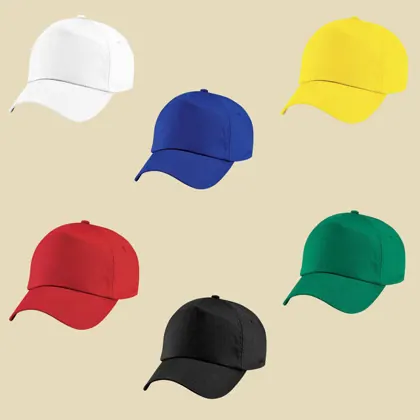 Caps3 products
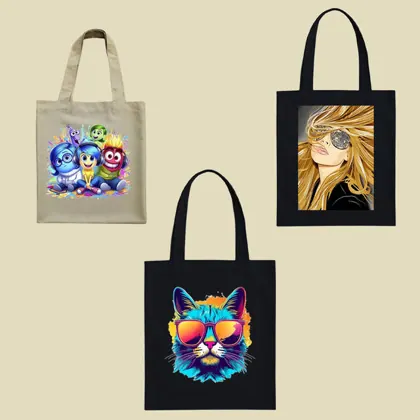 Bags for sublimation printing5 productsHeat presses for sublimation printing on mugs8 products
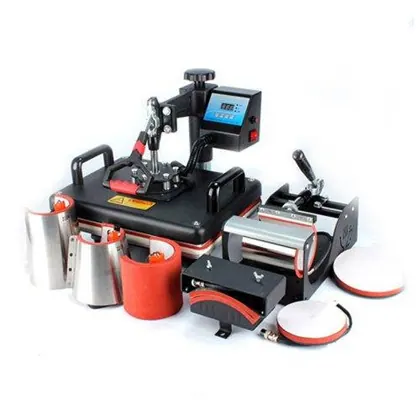 Multifunctional heat presses for sublimation9 products
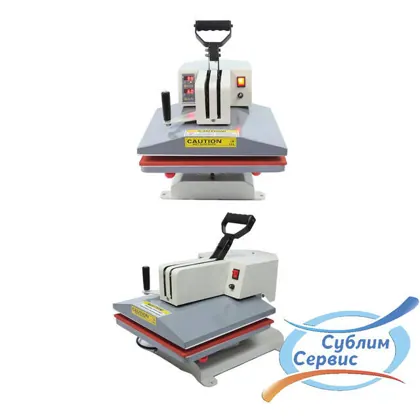 Flatbed heat presses for heat transfer8 products
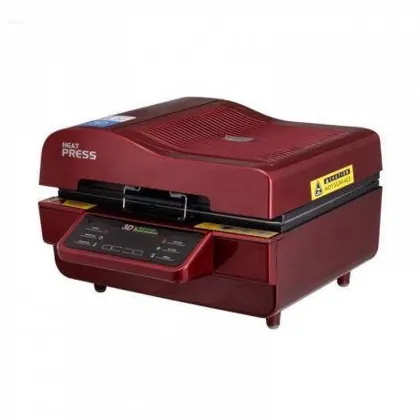 3D vacuum heat presses and accessories2 products
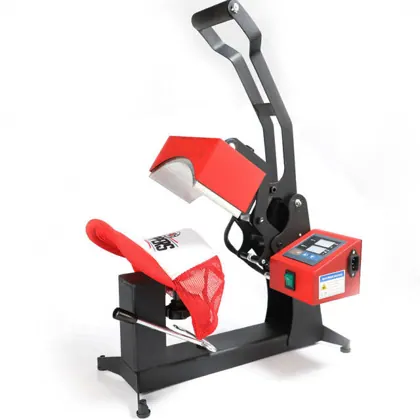 Cap heat presses3 products
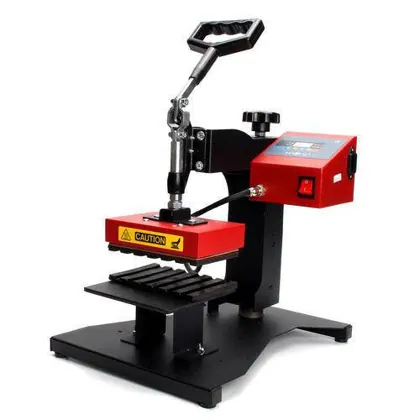 Heat presses for pens1 products
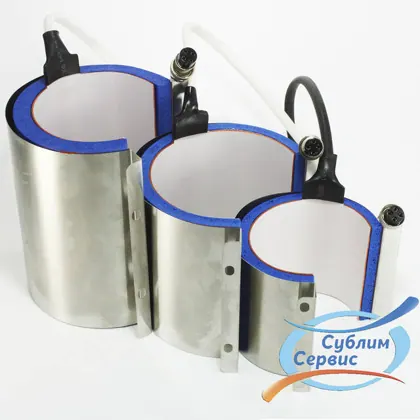 Heat press accessories16 products
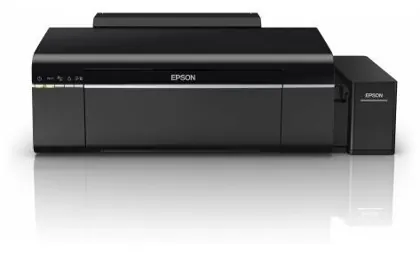 Printer for printing0 productsColored gift box for a mug, heart (105*105*105 mm)11,85 ₴
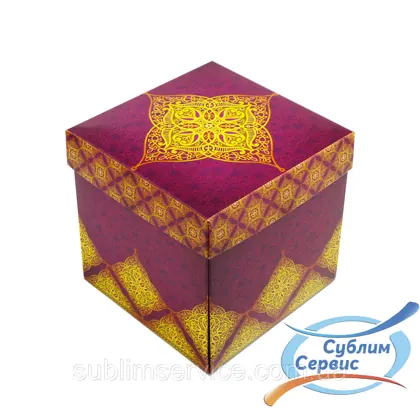 Colored gift box for a mug, purple (105*105*105 mm)11,85 ₴
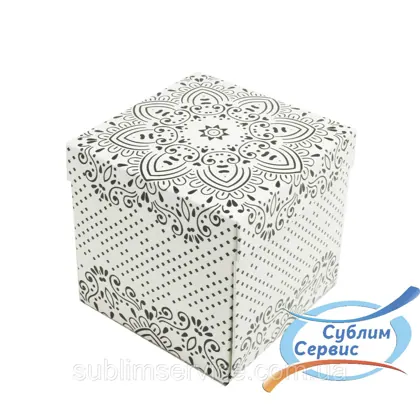 Colored gift box for a mug. Black and white (105*105*105 mm)11,85 ₴
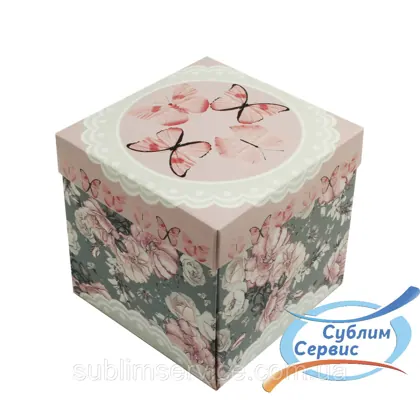 Gift box for a mug. Butterflies (105*105*105 mm)11,85 ₴
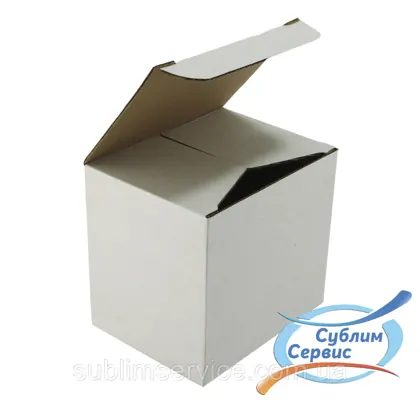 Mug packaging 330 ml, corrugated cardboard 115 mm*90 mm*105 mm6,45 ₴
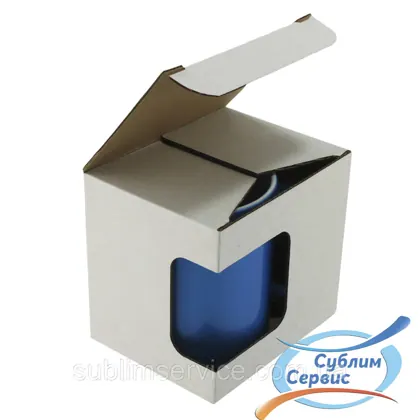 Mug packaging with window 330 ml, corrugated cardboard 115 mm*90 mm*105 mm6,45 ₴
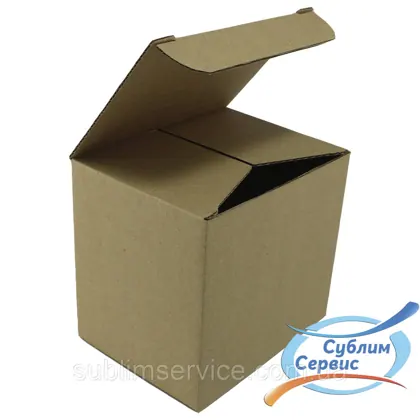 Mug packaging 330 ml brown. 115*90*105 mm.6,45 ₴
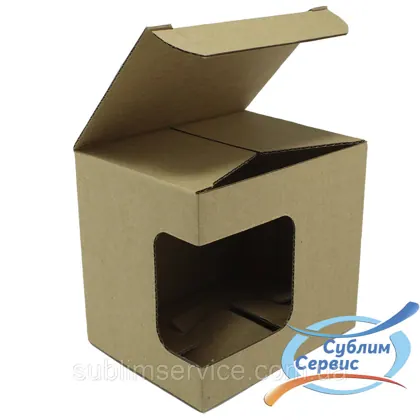 Mug packaging with window 330 ml, brown corrugated cardboard, 115*90*105 mm.6,45 ₴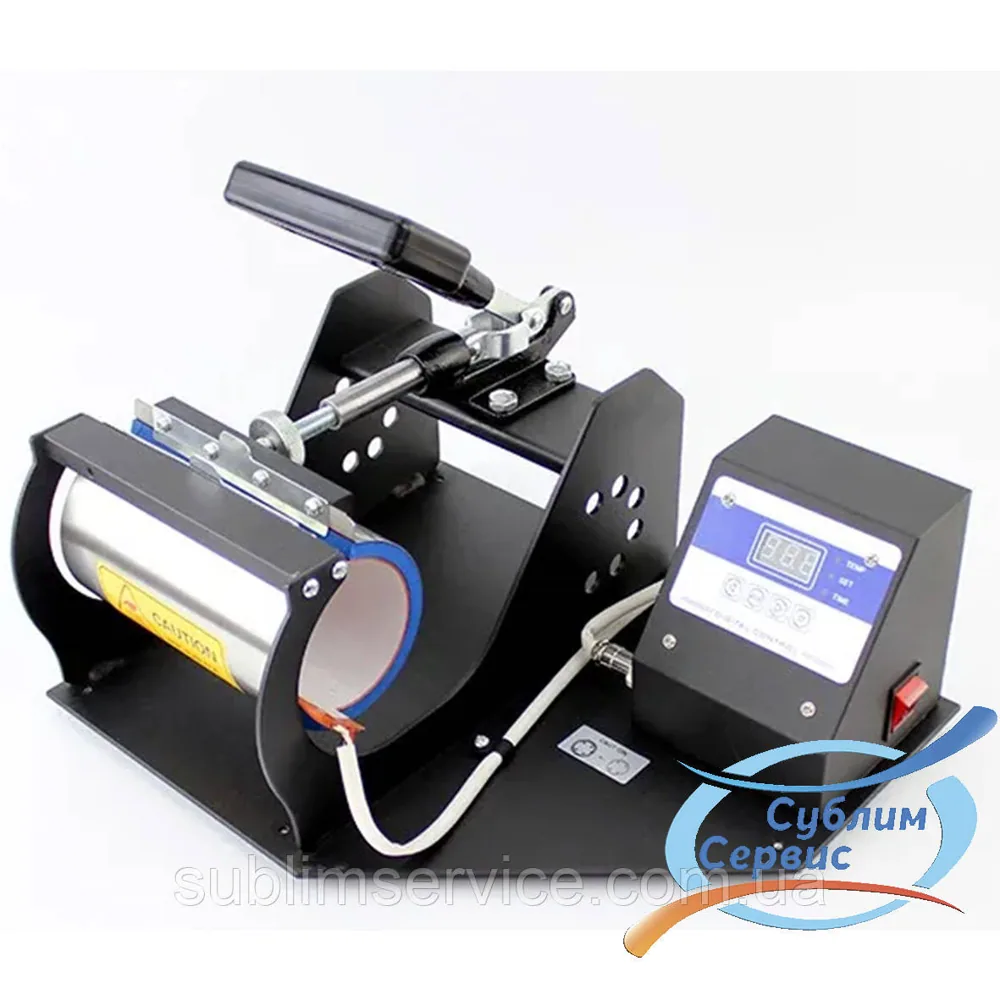
| from 2 pcs | 3 764,33 ₴ / pc | −3% |
The wholesale price is applied automatically in the cart.
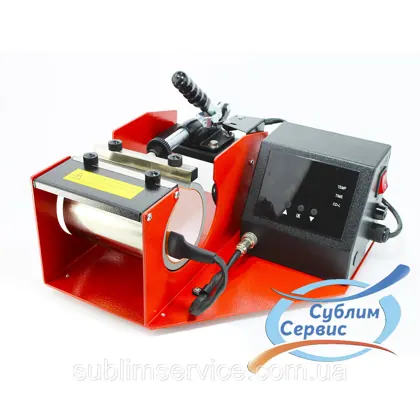
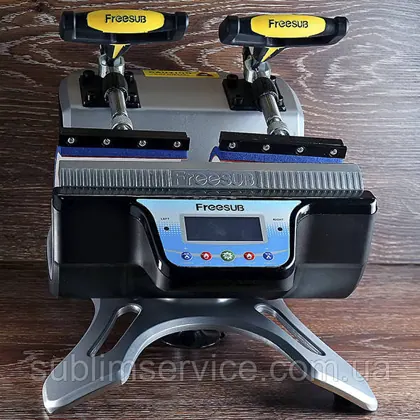
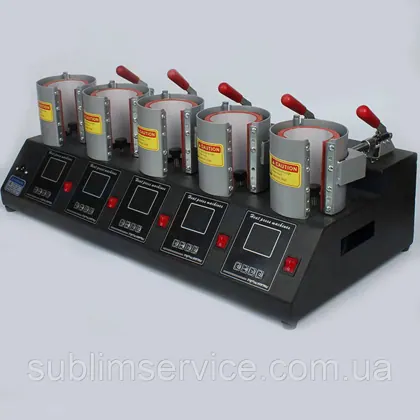
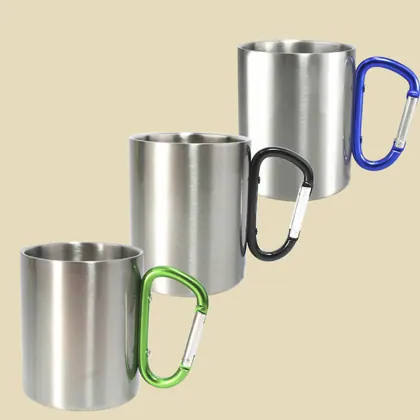
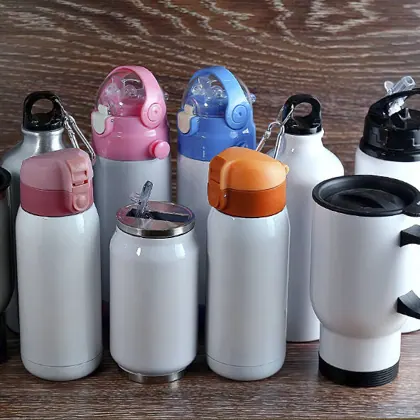
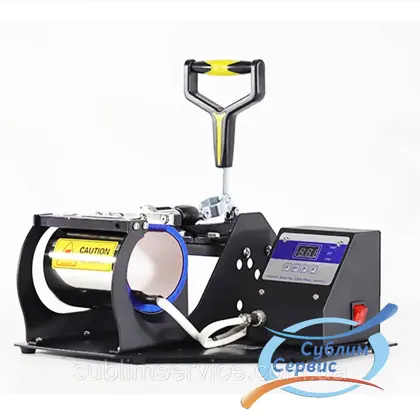
This heat press has an extended heating element, which allows transfers not only onto mugs but also onto thermoses and water bottles.
Instructions for this heat press
1. Plug it into an outlet and turn on the power. (Rated voltage of the device 220 V, rated power consumption 350 W)
2. Set the operating mode: (the temperature is shown in F (Fahrenheit) degrees)
1). Initial temperature: press the MODE SET button once, the setting indicator lights up, press the + or — button to set the initial temperature.
2). Max. temperature: press the MODE SET key a second time, the temperature indicator lights up, press the + or — button to set the maximum temperature.
3). Maximum baking temperature: press the MODE SET key a third time, the time indicator lights up, press the + or — button to set the maximum baking time.
4) Run mode: press the MODE setting button a fourth time, the machine will go into standby mode.
the initial temperature setting range is 200 ~ 380 degrees, the maximum temperature setting range is 200 ~ 430 degrees.
Time setting range for the maximum baking temperature: 0 ~ 999 seconds.
The machine has an automatic temperature adjustment function, so if the initial temperature is 340 degrees, the machine will control the maximum temperature range of 340 ~ 430 degrees. And vice versa, if the maximum temperature is set to 250 degrees, the machine will control the initial temperature of 200 ~ 250 degrees.
3. Heat exchange printing
Slow baking: place the mug in the heating element, press the pressure handle, turn on
the power so that the temperature rises. When the temperature rises to the initial set temperature,
the machine will send a short signal, press the run key once, until the machine
gives a long beep. Press the run key again to finish printing. Remove the mug,
the temperature will gradually return to the initial temperature.
Fast baking: at the initial temperature mode fix the mug, press the pressure handle,
press the run key once until the machine sends a signal, press the run key again, finish
the heat transfer printing. Remove the mug, the temperature will return to the initial
temperature.
4. Troubleshooting tips for print failures.
A. color is lighter: the temperature is too low, or the pressure is uneven, or the time is too
short.
B. design is blurry: the time is too long and causes ink diffusion
C. design has no gloss: the pressure is too high or the temperature is too high.
D. Part of the design is fine: the print heating area or the heating is uneven.
E. Streaks on the design: the heat printing time is too long.
F. Color gamut is not the same: the pressure is uneven or the coating is uneven.
G. paper sticks to the mug: the temperature is too high, or the coating of the object is poor
| Power consumption | 0.35 kW |
|---|---|
| Maximum operating temperature | 220 deg. |
| Country of origin | China |
| Number of attachments | 1 pc. |
| Voltage | 220 V |
Minimum order — 100 ₴.